01 · Issue
You issue
School, board, or skilling programme creates NEP-ready credentials — one campus or a whole programme.
- QBot
- Templates
- Your ERP / LMS
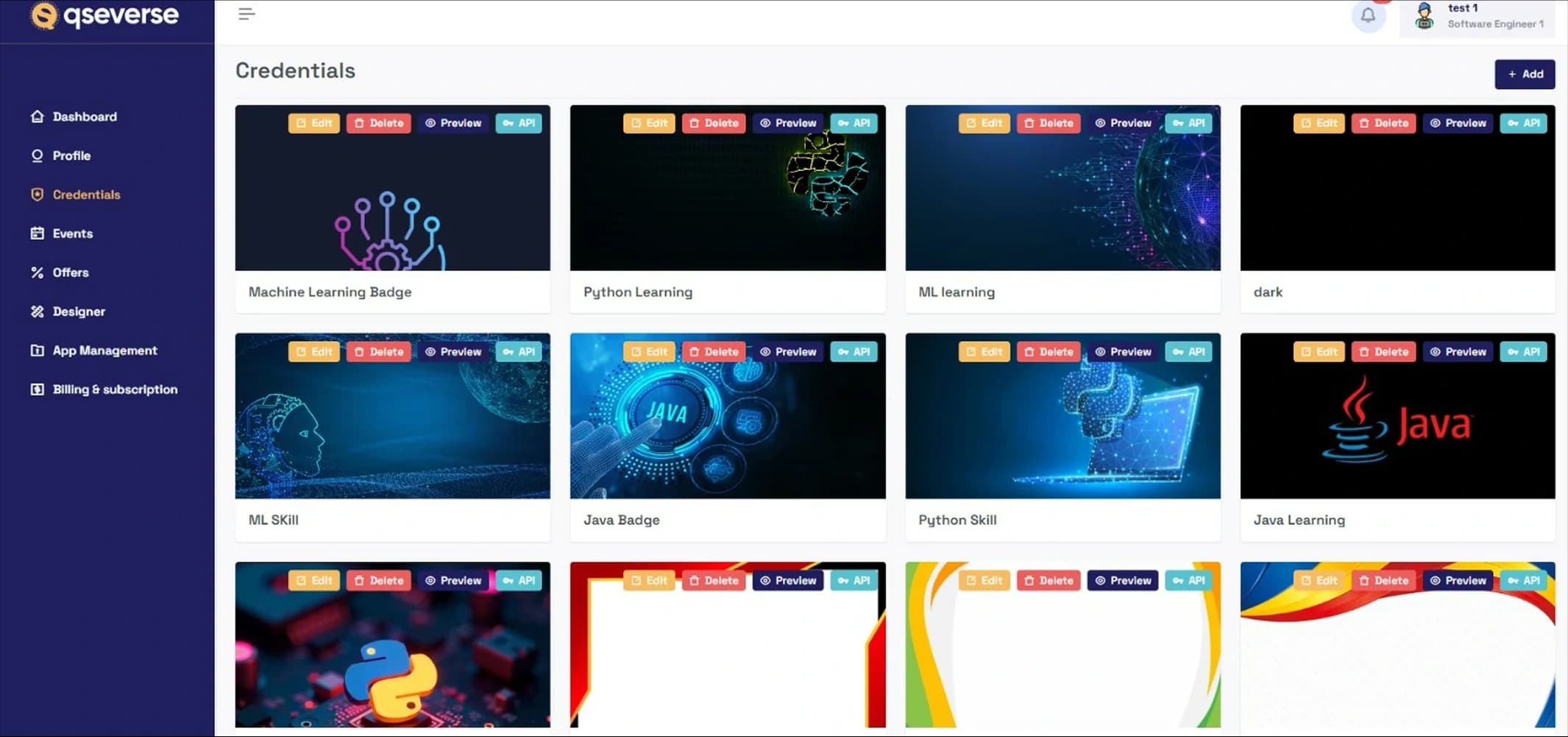
Issuer dashboard
For schools, boards and programmes
Schools, boards, and skilling programmes issue NEP-ready verifiable credentials, built on the open W3C standard. Students keep them for life. Employers check them in seconds.
Issuers already on QSeverse
Trusted by programmes and partners


How QSeverse works
The product spine — for schools, boards, and programmes that issue; students who keep; employers who check.
01 · Issue
School, board, or skilling programme creates NEP-ready credentials — one campus or a whole programme.
02 · Own
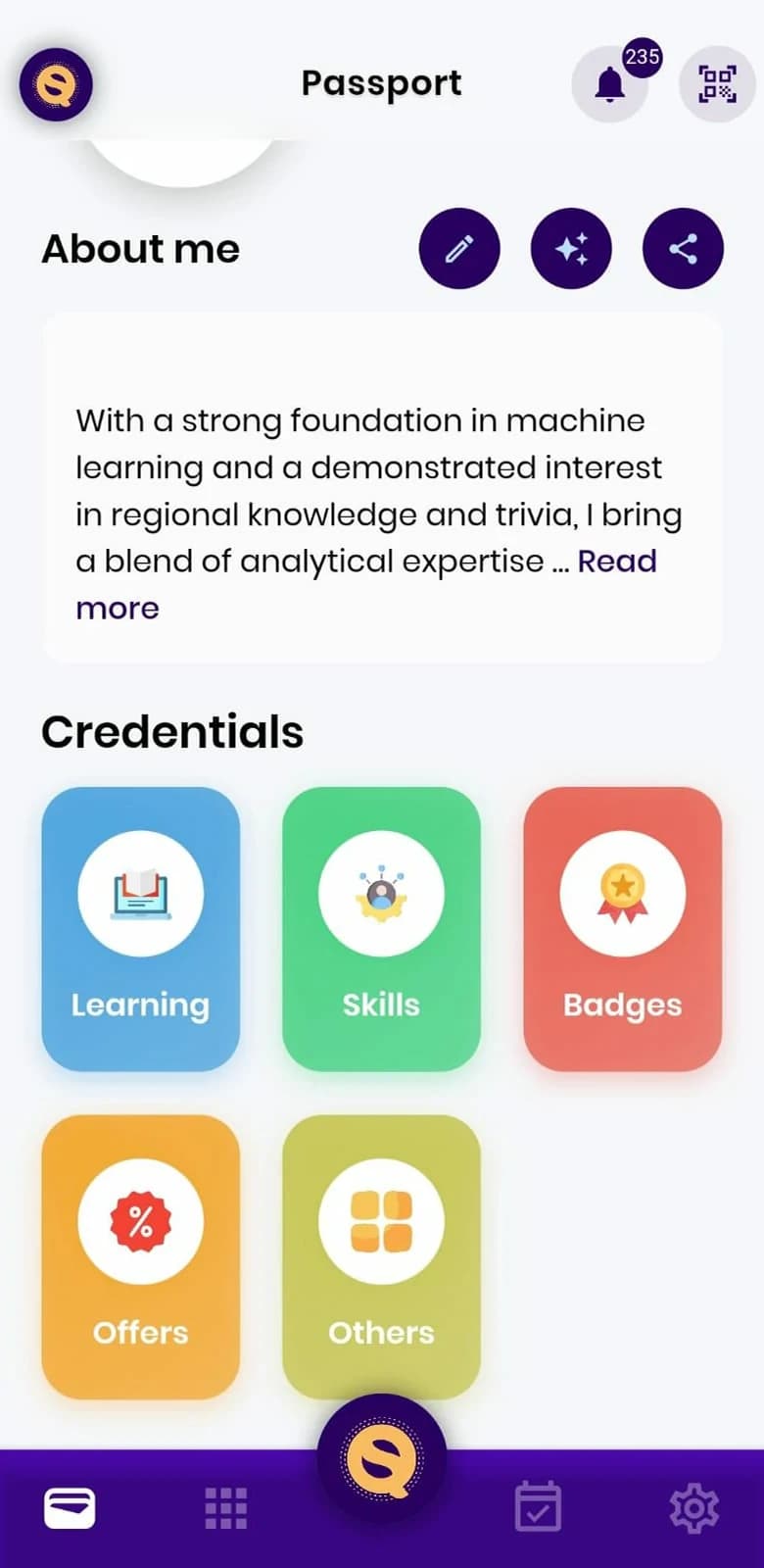
Credentials land in QS Passport. Learners own them for life — portable across school, programme, and career.
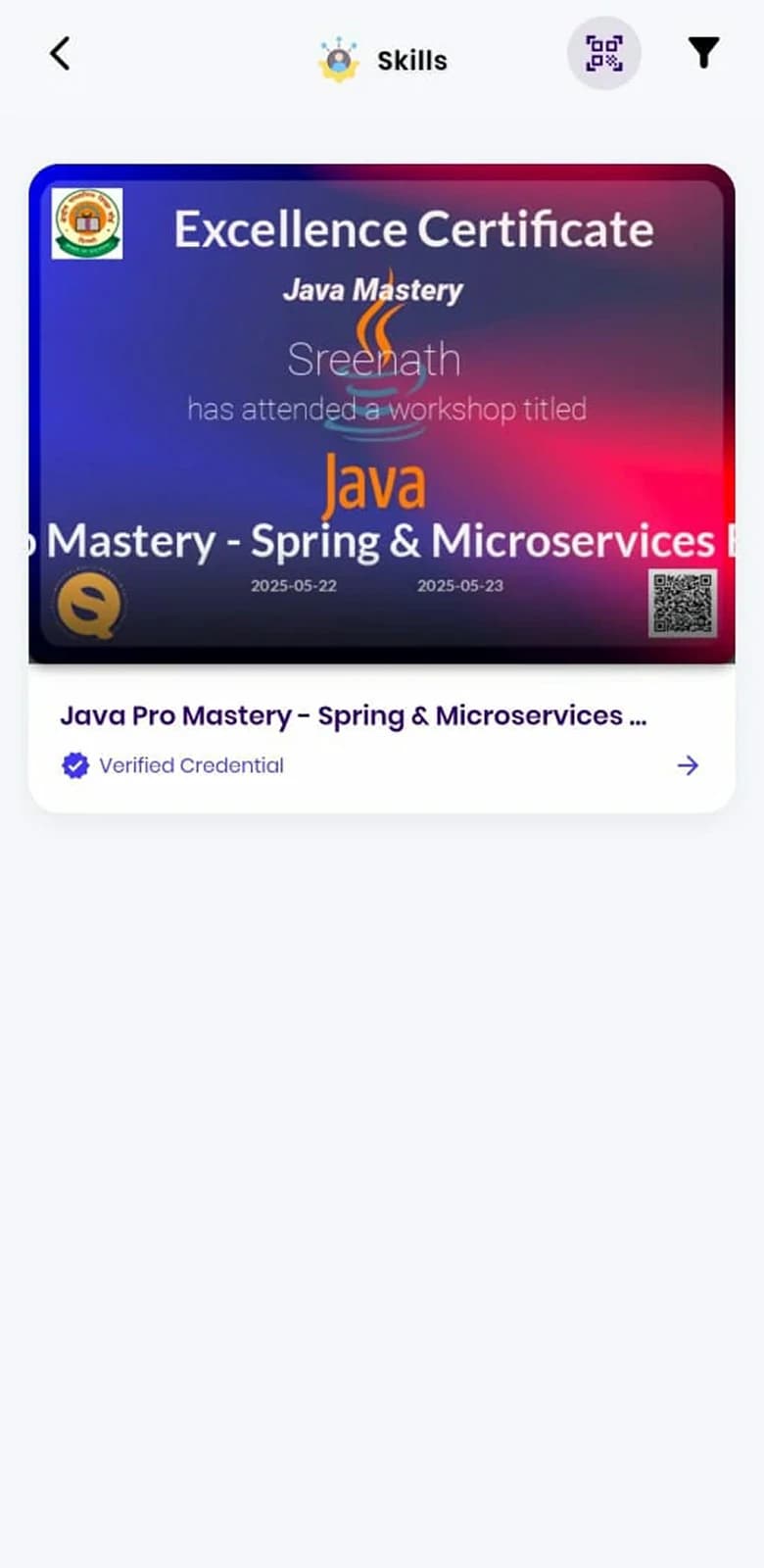
03 · Verify
Employers open a link or QR and check authenticity in seconds — no phone-the-college chase.
The open network
Every credential issued on QSeverse can be placed on the Vouching Network, an open network for records of skills and work. There, a learner's record keeps growing after they leave: a supervisor, a mentor or an employer can vouch for work they saw. The learner holds the record and decides what is shown. Nothing is public unless they publish it.
Built on W3C Verifiable Credentials, so any app can read and check a record.
Held in their own wallet. Private until they choose to publish.
New vouches add to the record long after the certificate was issued.
Important add-ons for multi-campus programmes and richer employer checks — not the whole product.
They issue. You see certificates and skills across the group.
Faculty and partners vouch in QS Passport — signature plus a short note.
Open the link. Issuer, parent organisation and every vouch, each digitally signed. The learner chooses who sees it.
Everything behind Issue, Own, and Verify — from creating credentials to the moment an employer checks them.
See use casesOpen standards, clear proof — each credential digitally signed by the issuer.
From classroom excellence to hackathon victories — capture every skill, project, and milestone that makes you uniquely valuable.
Your credentials, your wallet, your rules. No more begging institutions for transcripts or waiting weeks for verification.
Transform your μLearn collaborations into career-boosting credentials that employers actually recognize and trust.
Skip the paperwork maze. Employers verify your skills in seconds, not weeks — putting you ahead of the competition.
Opportunities matched to your verified skills.
Institutions issue trusted credentials without paperwork. Students keep a verified record of their learning journey in QS Passport. Employers check what they need — instantly.
See use casesIssue digitally signed credentials through simple dashboards or seamless API integration.
Say goodbye to transcript requests, verification calls, and fraud concerns.
Align with NEP 2020's holistic education vision while giving your students global mobility.
Help graduates stand out worldwide with credentials employers actually trust.
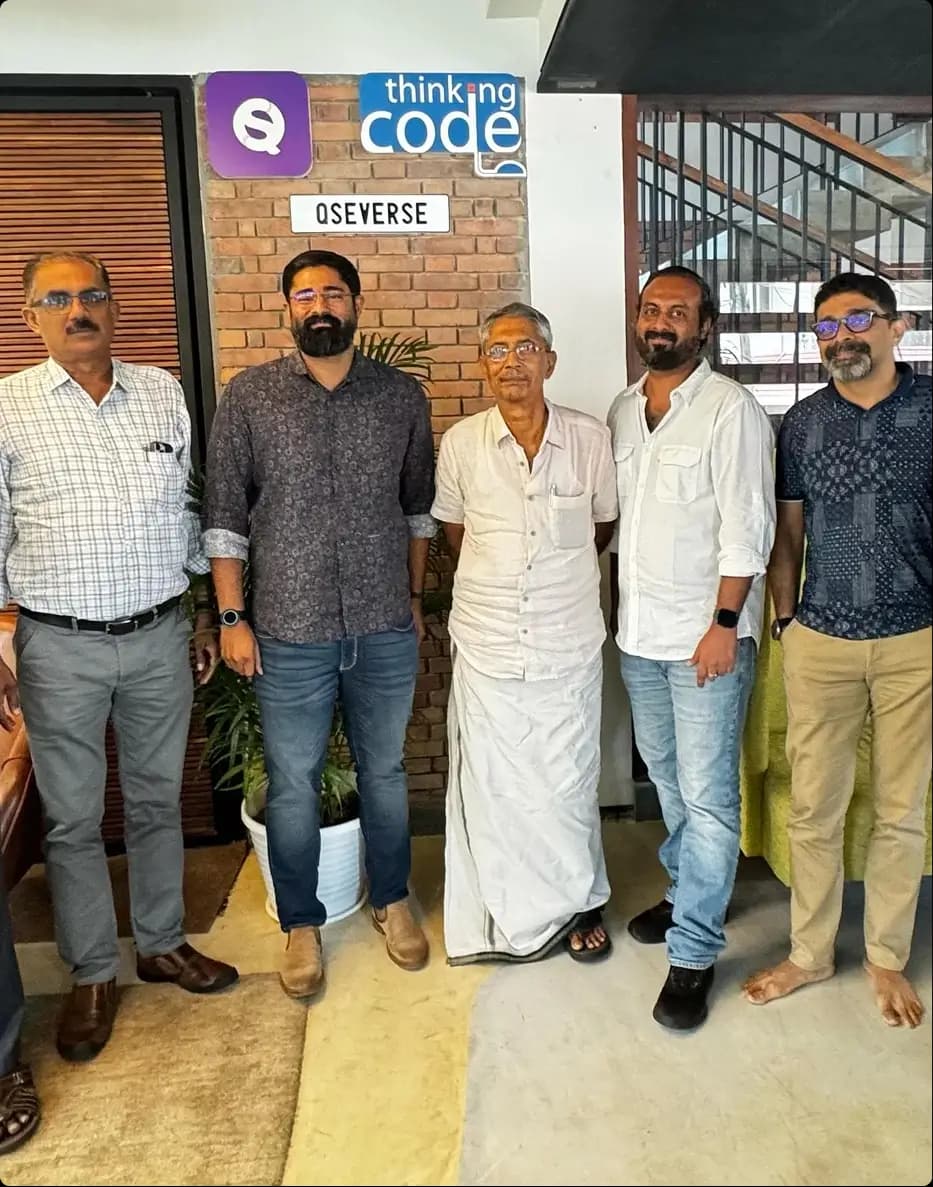
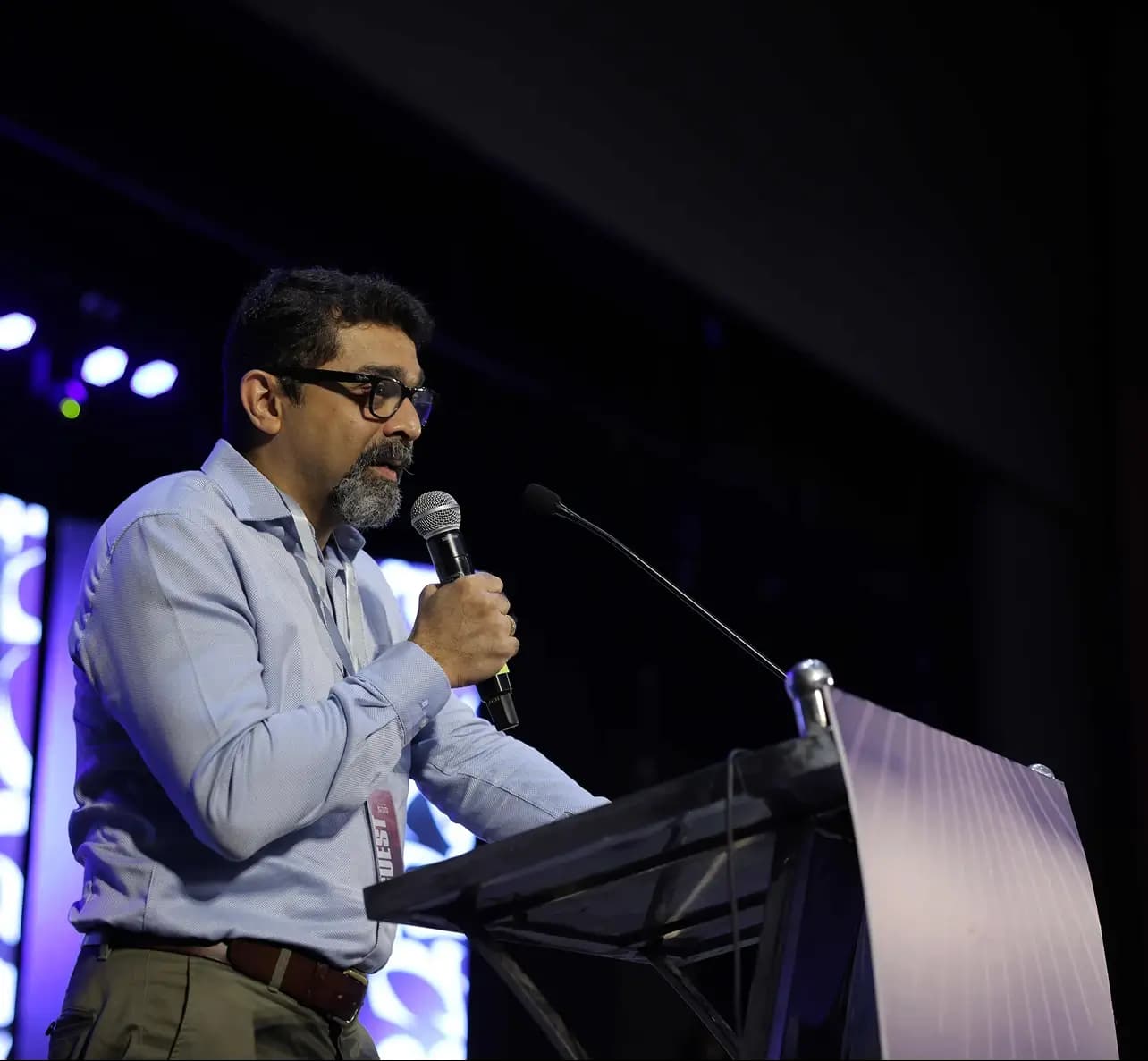
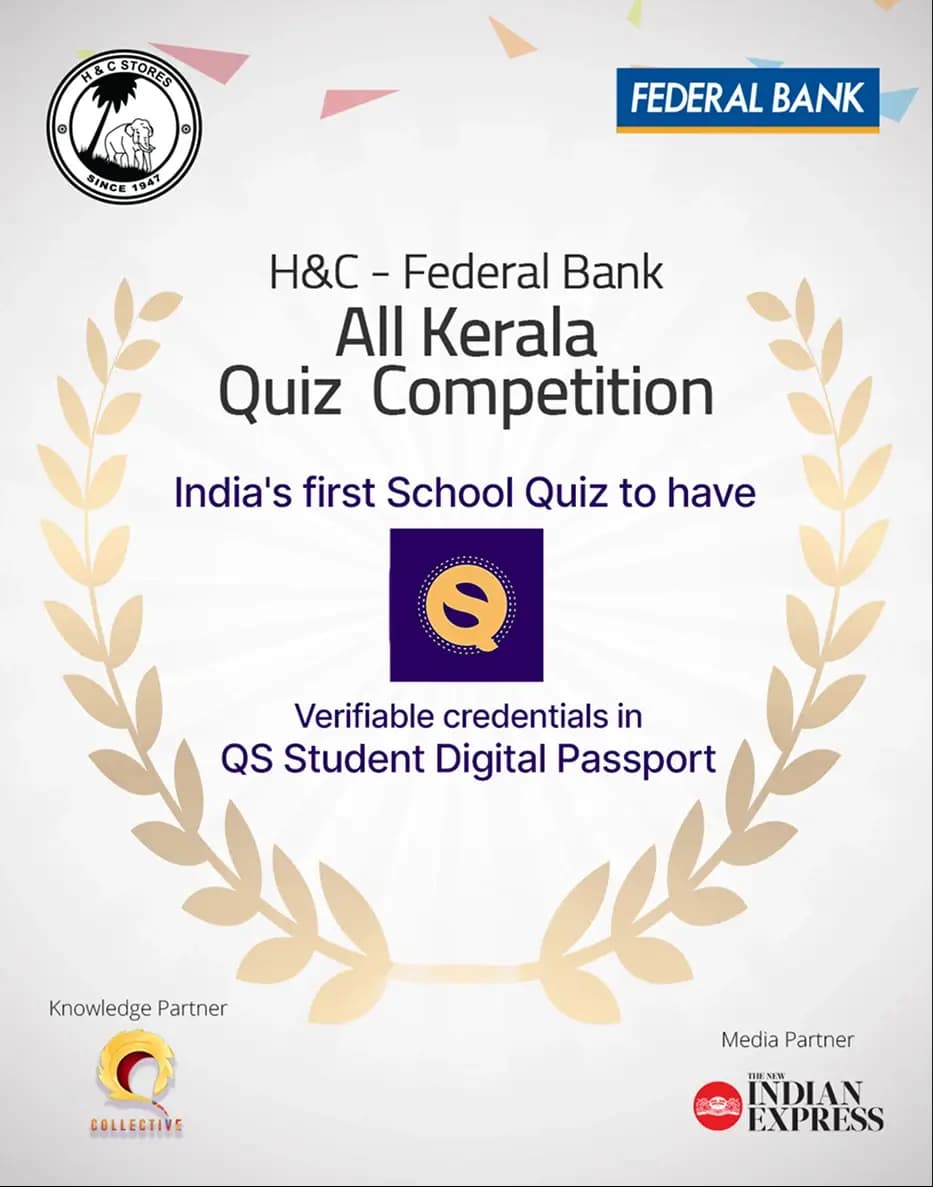
Snapshots from the journey — workshops, partnerships, and milestones where the QS Student Digital Passport is making an impact across campuses, institutions, and the wider ecosystem.
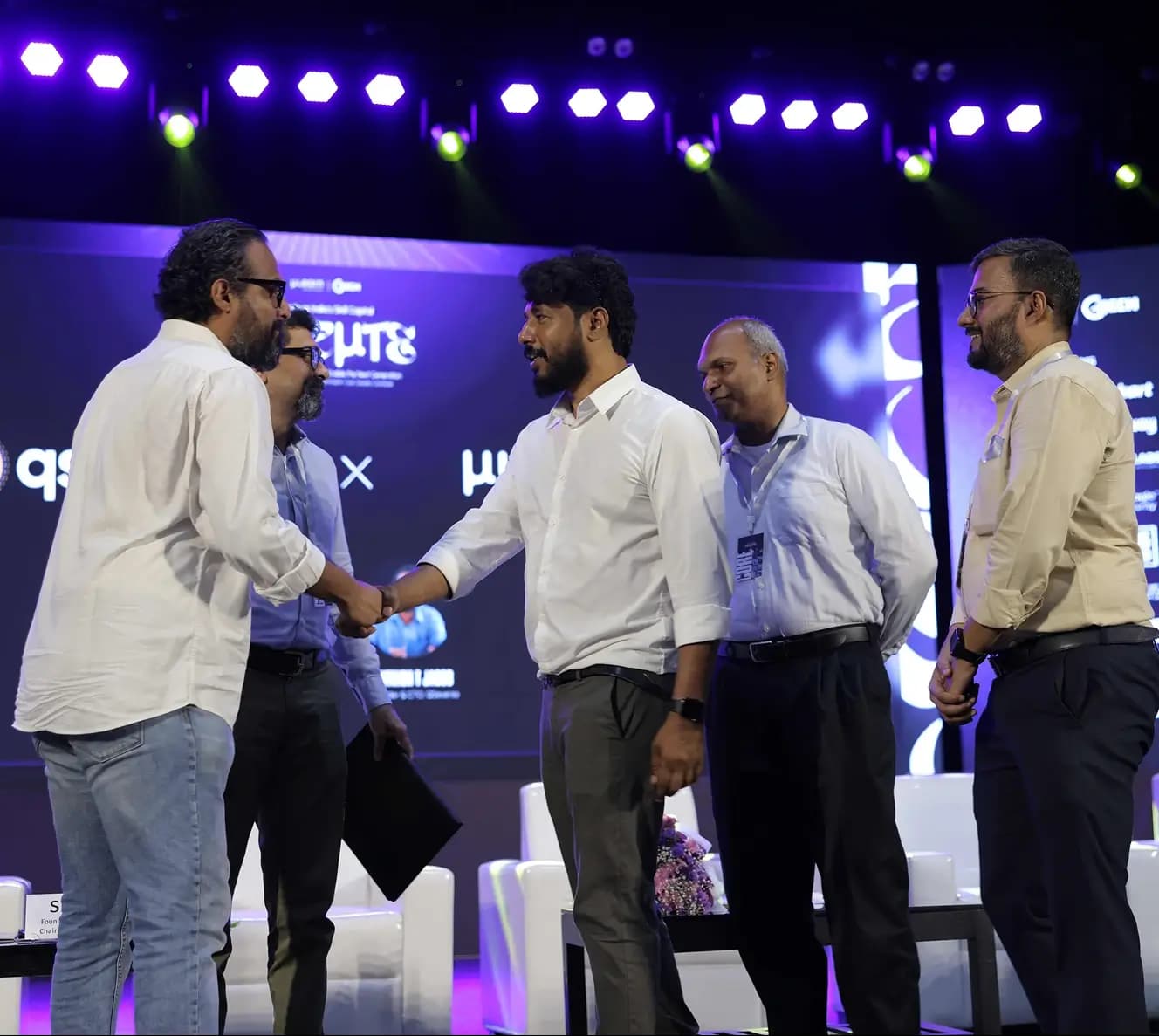
01
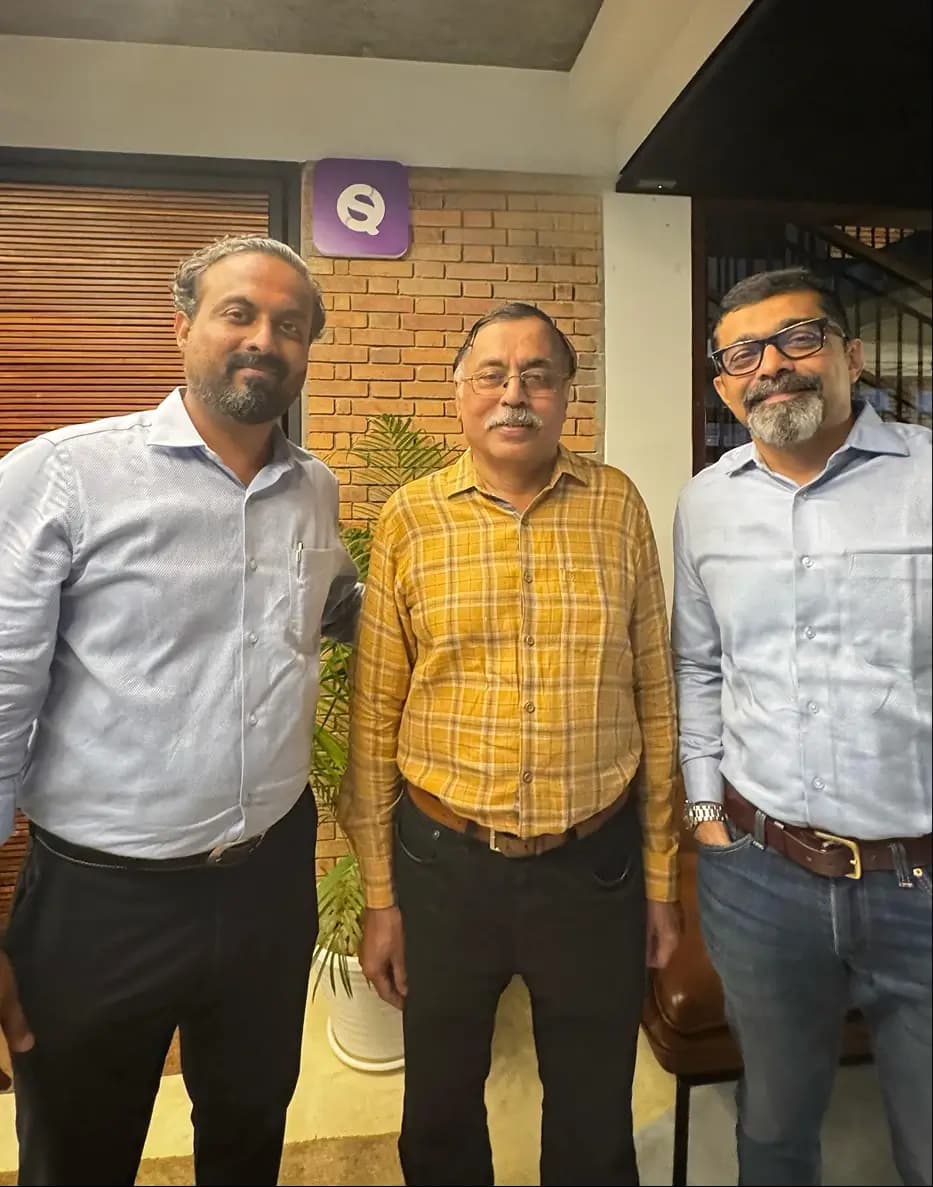
02
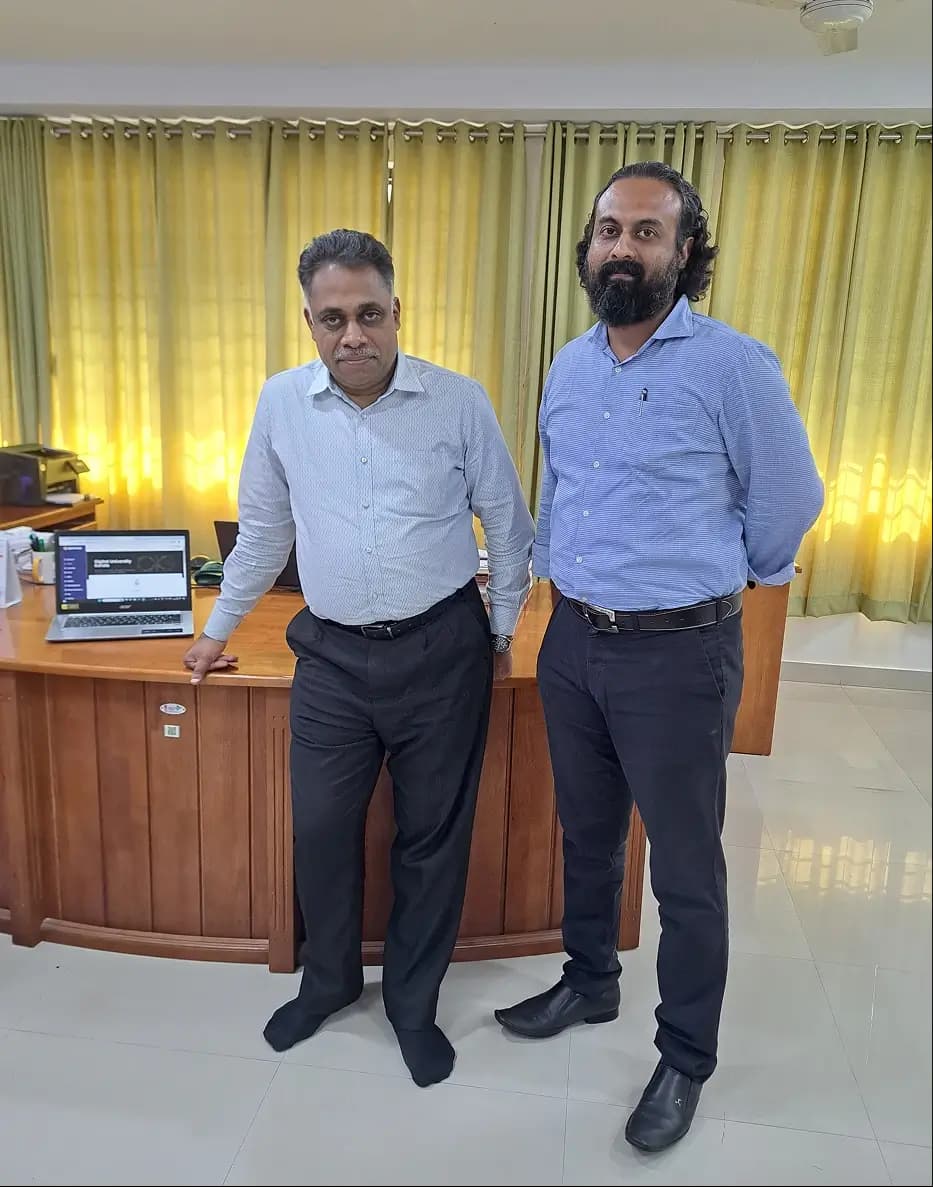
03
04
05
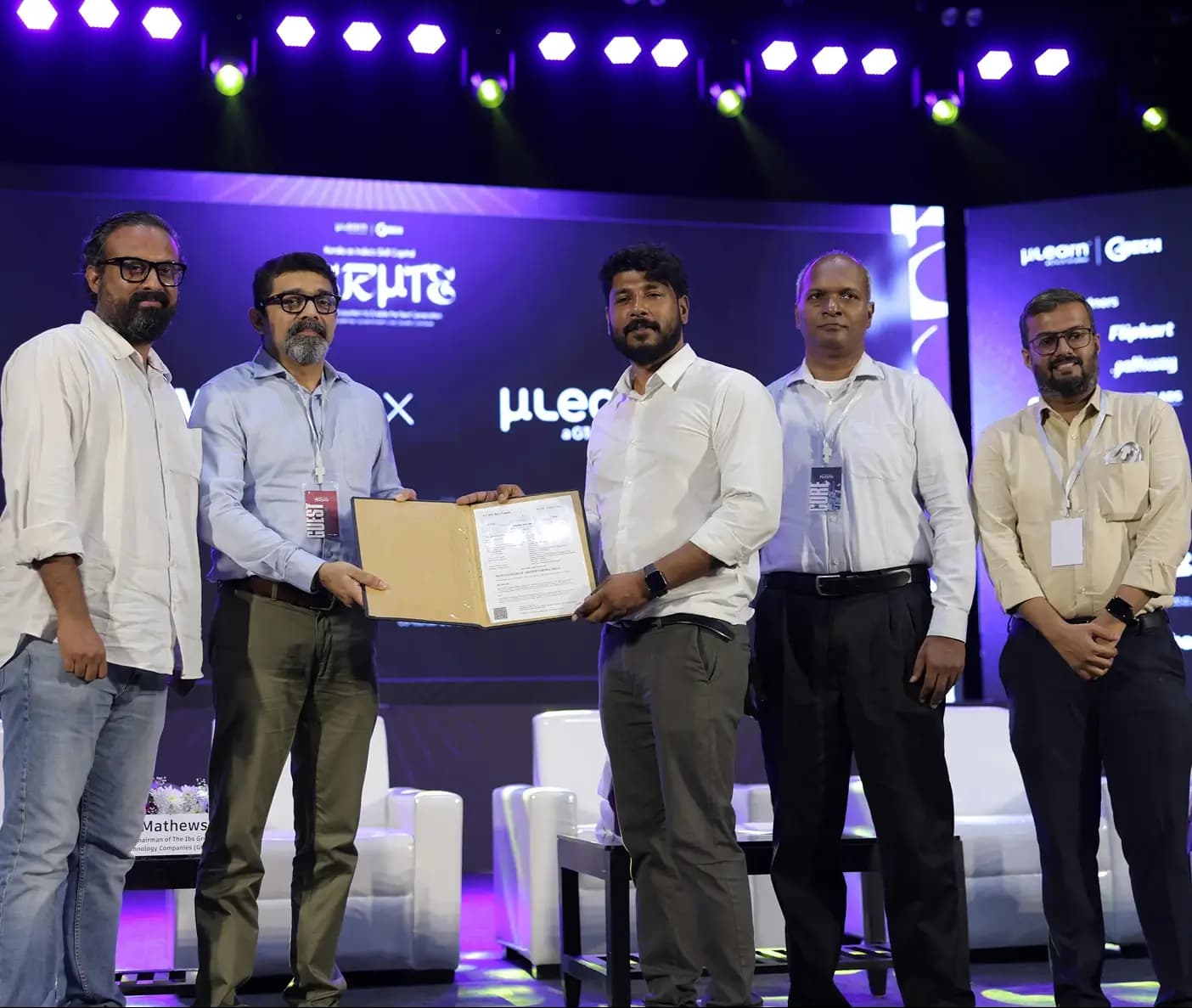
06 · MoU Exchange with µLearn. Formalizing collaboration to enable student credentialing across India’s learning communities.
07
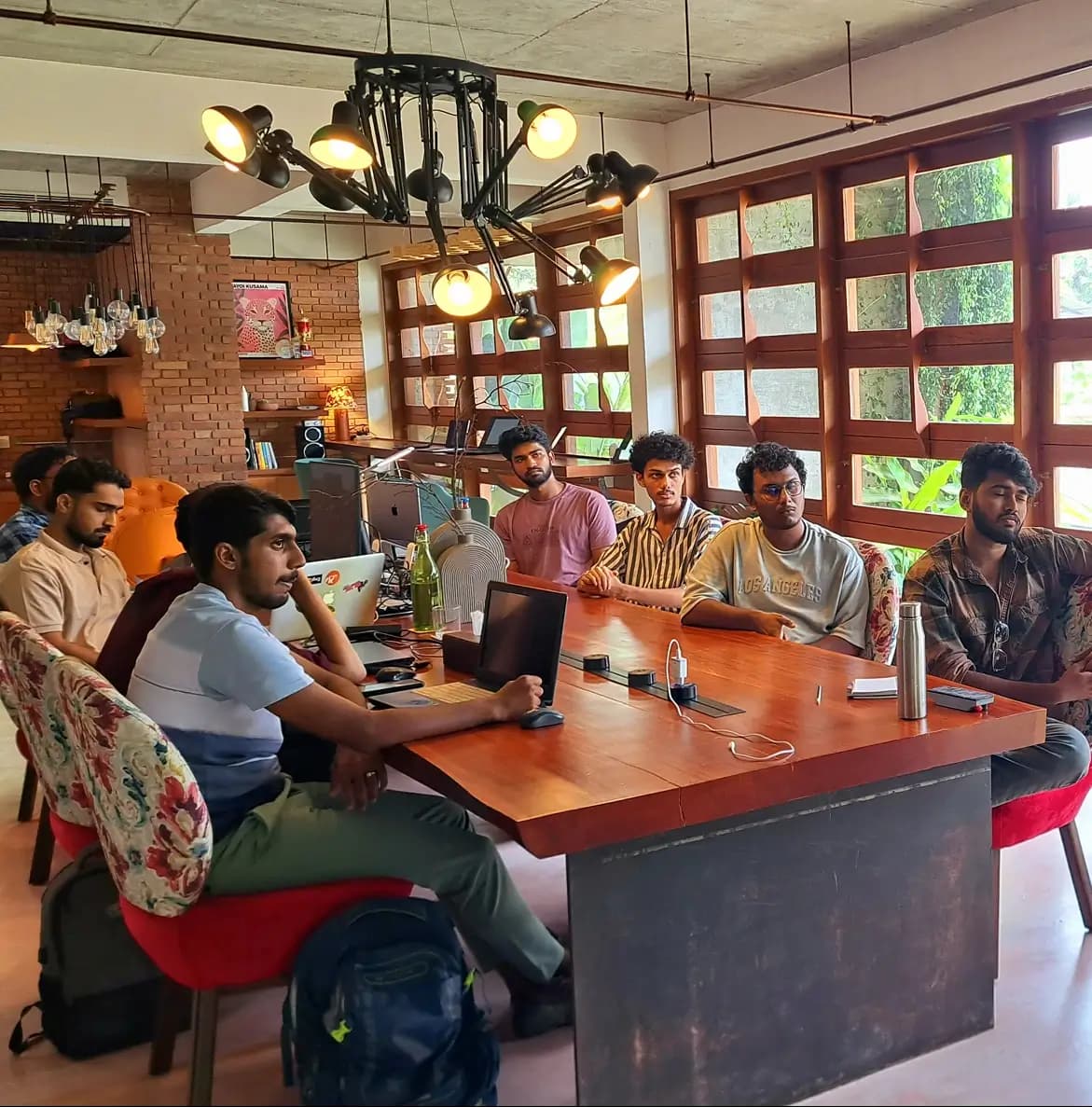
08
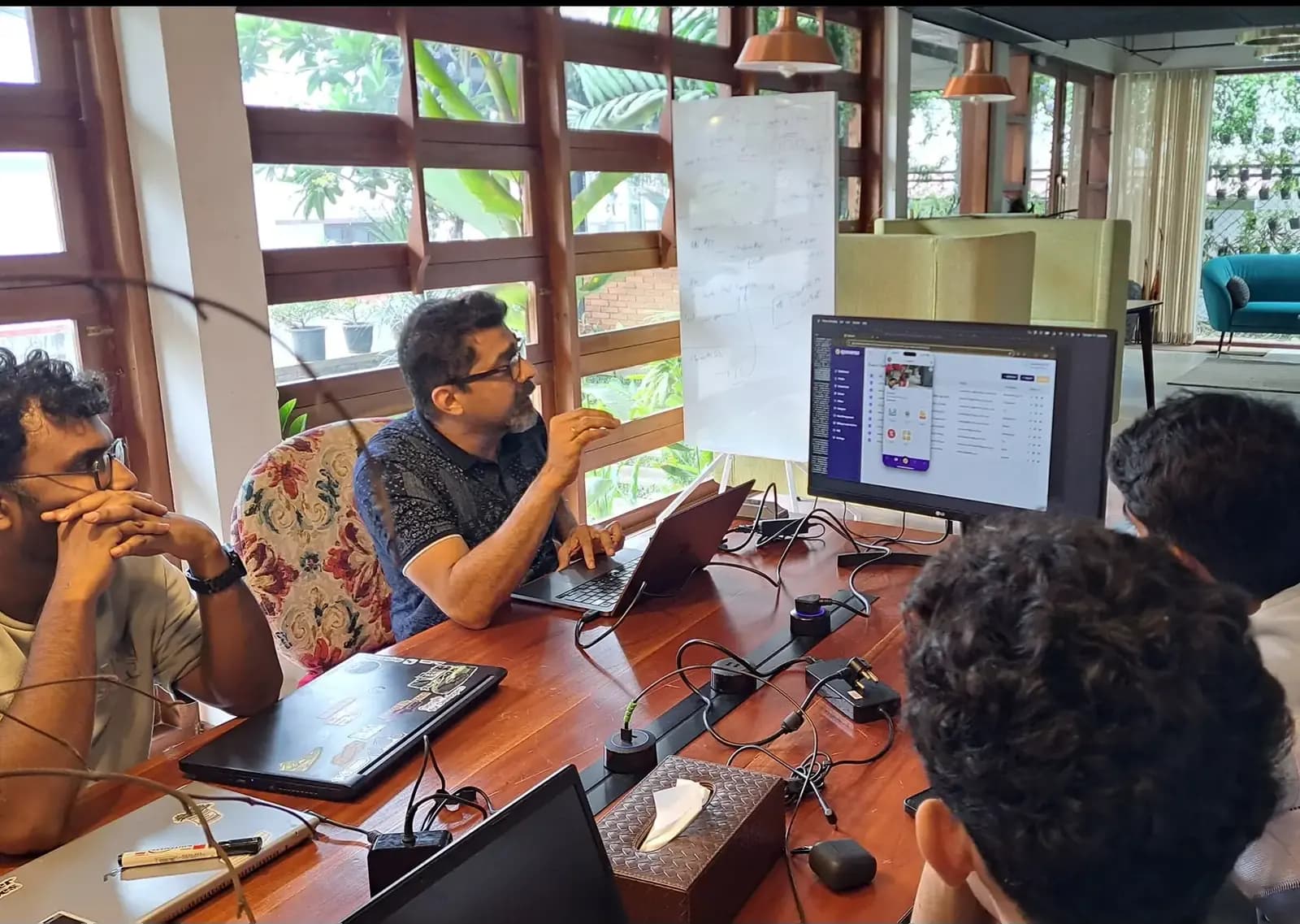
09 · Stakeholder huddle: Educators, Technologists, and policy advocates aligned on one mission.
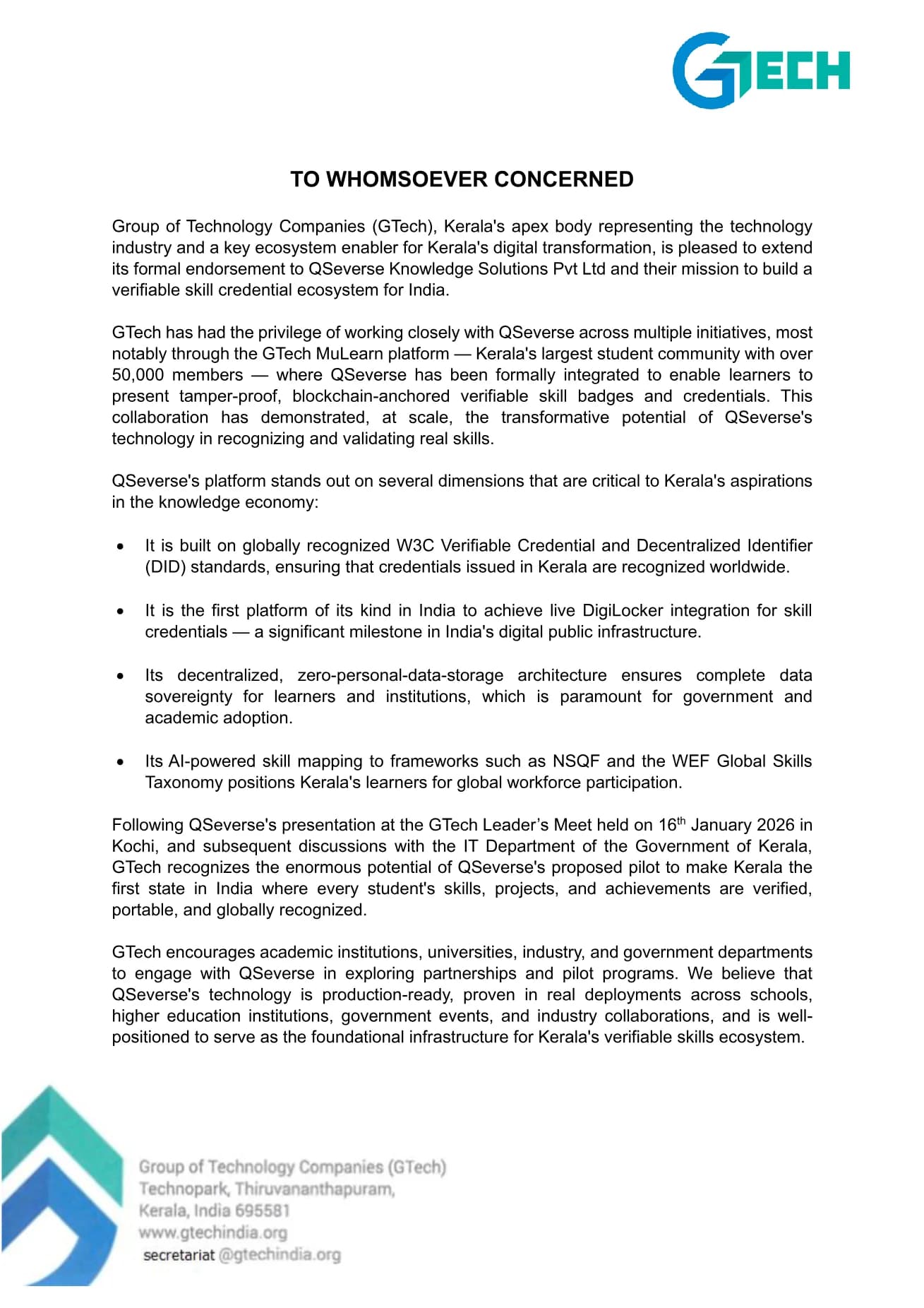
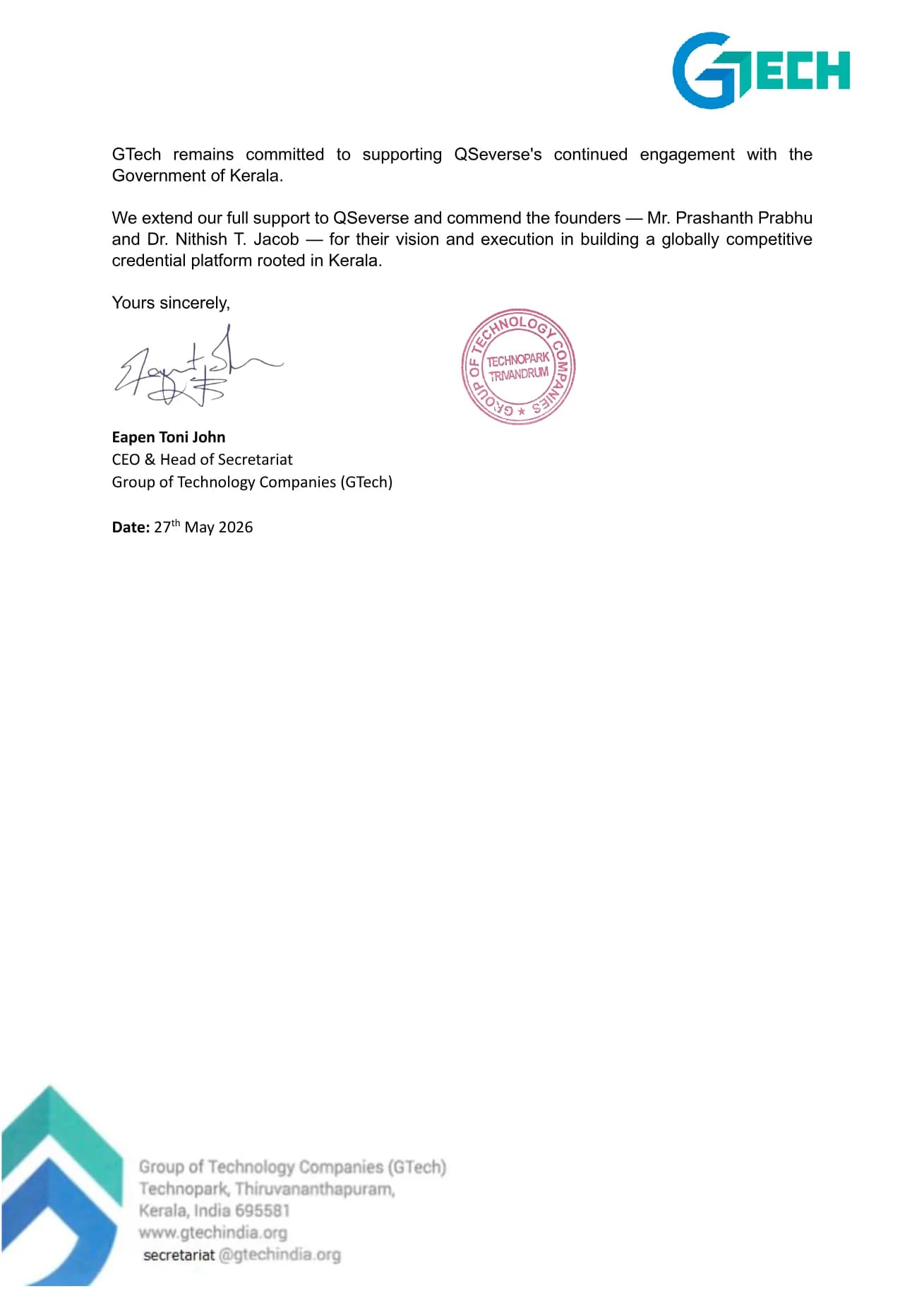
Following QSeverse's presentation at the GTech Leader's Meet and subsequent discussions with the IT Department, Government of Kerala, GTech has formally endorsed QSeverse's mission to build a verifiable skill credential ecosystem for India.
“QSeverse's technology is production-ready, proven in real deployments across schools, higher education institutions, government events, and industry collaborations — and is well-positioned to serve as the foundational infrastructure for Kerala's verifiable skills ecosystem.”
We have been using QSeverse for issuing credentials and badges for our Education Division, since verifiable credentials authenticate and confirm the genuineness of the academic achievements of our students. It's an easy-to-use platform for issuers and allows recipients to showcase their verified academic achievements.
Citizen Digital Foundation used Qseverse to support skill mapping across our ‘Good Tech Campaign’ and ‘YDF KRIA’ programmes among school and college students. Gaining Verified Credentials from these programmes added value to the participating students, and added an impact evaluation metric to our programme design. The QSeverse team have been highly supportive throughout.
GTech has worked closely with QSeverse, most notably through the GTech MuLearn platform — Kerala's largest student community with over 50,000 members — where QSeverse has been formally integrated to enable learners to present tamper-proof, blockchain-anchored verifiable skill badges. We believe QSeverse's technology is production-ready, proven in real deployments across schools, higher education institutions, government events, and industry collaborations, and is well-positioned to serve as the foundational infrastructure for Kerala's verifiable skills ecosystem.
Students always free. You pay for volume and tools.
Need Sub-Issuers or Attesters across a network? Ask on a demo — we'll match a plan to your organisation.
Full pricing →DigiLocker holds a learner's official documents. QSeverse adds the skills, projects and work that have no official document. Many institutions use both.
| Compare | DigiLocker | QSeverse |
|---|---|---|
| What it holds | Official documents: mark sheets, degree certificates, licences | Skills, projects, events and work records |
| Who issues | Government departments, boards and universities | Schools, colleges, skilling programmes and employers, with faculty and mentors able to vouch |
| How it is checked | The document is fetched from the issuing authority | A link or QR code shows who issued it and who vouched |
| How they fit | The official record of the qualification | The record of what the learner did and can do, alongside it |
What it holds
DigiLockerOfficial documents: mark sheets, degree certificates, licences
QSeverseSkills, projects, events and work records
Who issues
DigiLockerGovernment departments, boards and universities
QSeverseSchools, colleges, skilling programmes and employers, with faculty and mentors able to vouch
How it is checked
DigiLockerThe document is fetched from the issuing authority
QSeverseA link or QR code shows who issued it and who vouched
How they fit
DigiLockerThe official record of the qualification
QSeverseThe record of what the learner did and can do, alongside it
Quick answers about issuing, keeping, and checking credentials on QSeverse.
They do different jobs and work together. DigiLocker holds official documents issued by government bodies, boards and universities. QSeverse records the skills, projects and work that sit around those documents, signed by the institution and by the people who saw the work. Many institutions use both.
Schools, colleges, and programmes pay for issuing (Starter / Starter Plus / Professional). Students use QS Passport free. See pricing
Yes. Keep and share certificates at no cost. Get QS Passport
Sub-Issuers let affiliates issue under one umbrella. Attesters let faculty and partners vouch. Chain of Trust shows who issued and who vouched. See what's new
Yes. Open the share link or scan the QR. Authentication takes seconds. See a sample
Verifiable credentials are digital certificates that are based on the W3C Verifiable Credentials standard, an open international standard. They are digitally signed, owned by the people who hold them, and can be checked by universities, employers, or anyone else — no paperwork needed.
Yes. QS Passport uses encryption and privacy-first controls, and is built for India's data-protection rules. Students decide what to share — and with whom.
μLearn provides peer-based validation through Karma. When students complete projects or contribute in μLearn, their achievements can be converted into verifiable credentials inside QS Passport.
Yes. Students can access their credentials, wallet, and sharing tools on Android and iOS. Download the app
Book a 20-min demo for your school, board, or programme.